What Is a Webhook
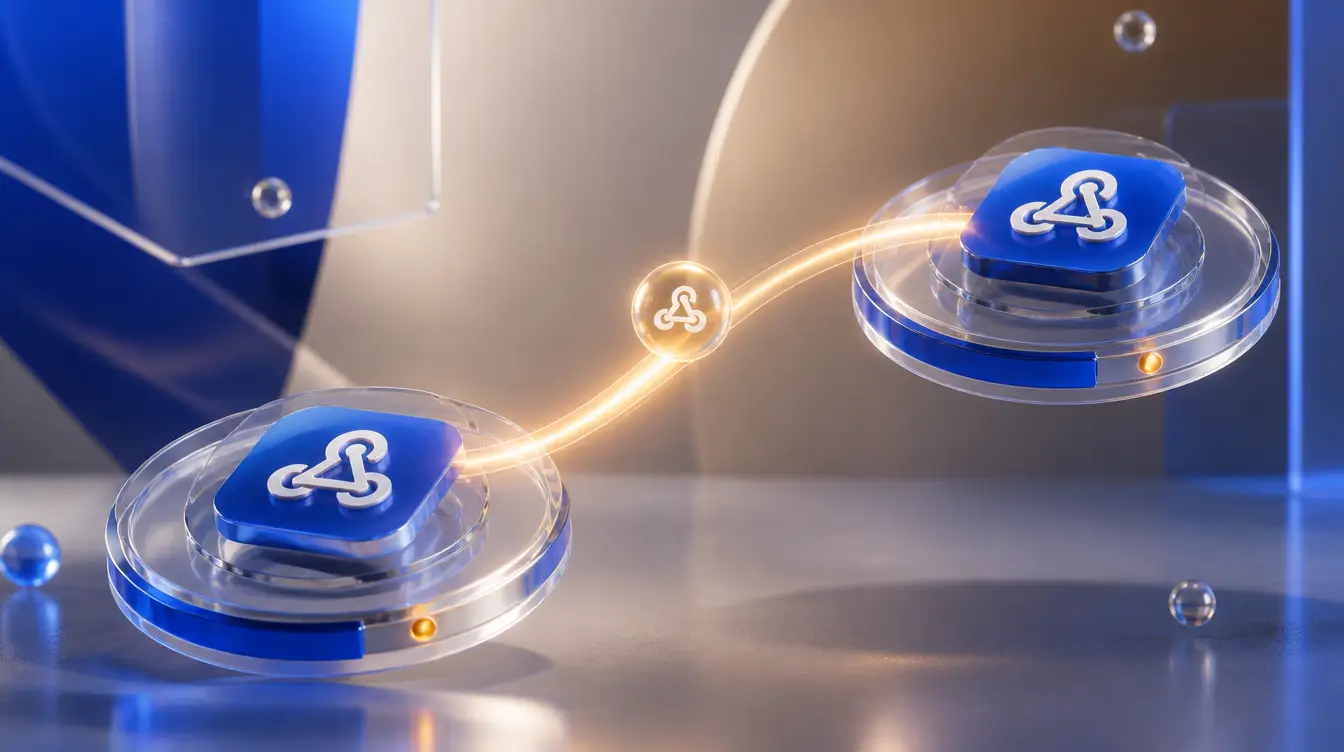
A webhook is a message one system sends automatically to another the instant something happens, instead of the second system having to repeatedly ask "did anything happen yet?" It's a push instead of a pull, and that difference is the entire reason webhooks exist.
Webhook meaning, in plain terms
Say you want your website to notify a tool the moment someone fills out a form. Without a webhook, that tool would have to check your site over and over, every few minutes, wasting effort almost every time because nothing changed. With a webhook, your site instead sends a small message directly to that tool's address the exact moment the form is submitted, with the form data attached. The tool does nothing until it receives that message, then reacts instantly.
How webhooks work: a concrete example
Imagine an e-commerce store that wants to post to social media every time a new product goes live:
- The store's website is configured to send a webhook to a posting tool whenever a new product is published.
- A customer's product page goes live, and the webhook fires automatically, sending the tool the product name, price, and image URL.
- The receiving tool (in this case, a scheduling or automation platform) gets that data and uses it to draft and queue a social post, without a human copying and pasting anything.
No one had to check for new products manually. The webhook did the notifying.
Webhook vs. API call: what's actually different
Both involve one system sending data to another over the internet, and both usually run over the same underlying web protocols. The difference is who starts the conversation. With a regular API call, your system reaches out and asks a question ("has anything changed?"), on whatever schedule you set up, and gets a reply. With a webhook, the other system reaches out to you, unprompted, only when there's something worth telling you. Webhooks are event-driven; typical API calls are request-driven.
Where webhooks show up in social media tools
Automation platforms like Zapier or Make commonly connect to webhooks to trigger actions: a new blog post publishes, and a webhook fires to draft social captions from it; a form gets submitted, and a webhook adds the lead to an email list and posts a milestone update. Anywhere you see "automatically post when X happens" in a tool's feature list, there's very likely a webhook doing the notifying underneath it.
Webhooks need their own security check
Because a webhook accepts incoming data from the internet, a receiving system needs a way to confirm the message actually came from where it claims to, not from someone who found the URL and sent a fake request. Most reputable services sign their webhook payloads with a secret key, and the receiving system checks that signature before trusting the data. Skipping that verification step is a common, avoidable security gap in home-built automations.
Automating your own posting triggers
If you're wiring up an automation that should end in a scheduled or published post, Posted Once is a common endpoint for that kind of trigger, whether the source event is a webhook from your website, a form, or another app. Once the post itself is queued, tools like the X scheduler and Instagram scheduler handle the actual publishing from there. Start free →
Schedule to every platform at once
Posted Once publishes your content to all 10 social networks from one place.
Start free trial